How Does a 360-Degree Car Camera Work? Surround View and 360° Dash Cams Explained
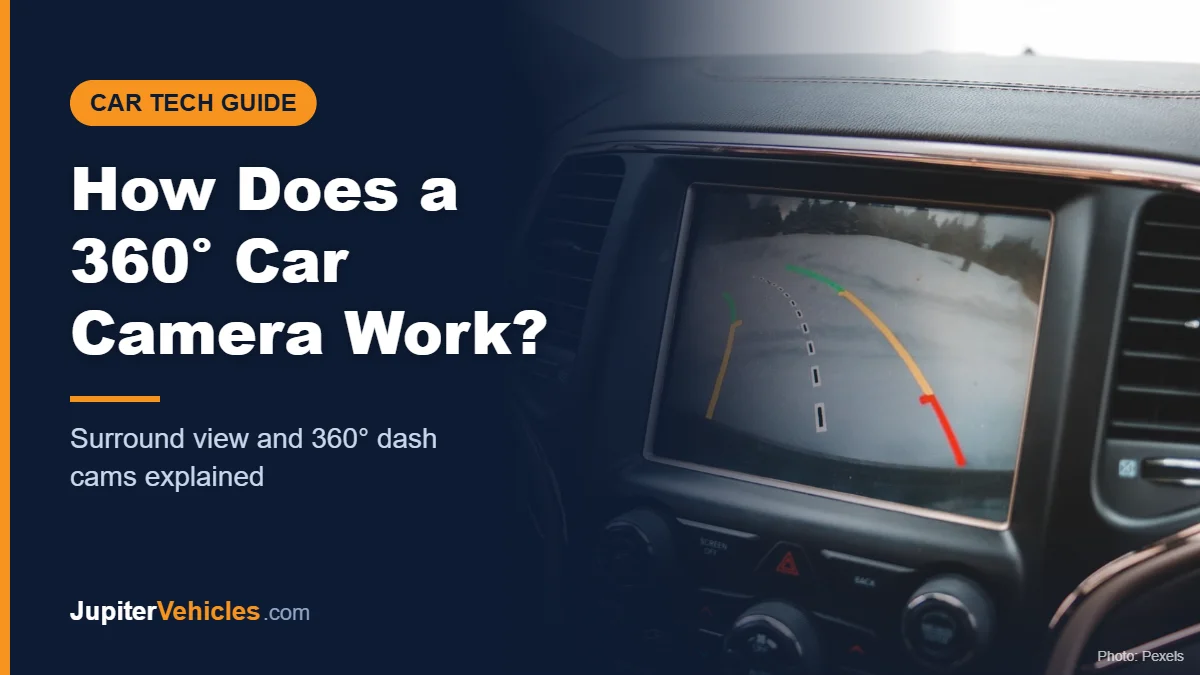
A 360-degree car camera system works by combining video from several wide-angle cameras around the car, typically one in the front grille, one at the rear, and one under each side mirror. A computer corrects the fisheye distortion from each lens and stitches the feeds together into a single top-down “bird’s-eye” image, with a graphic of your car placed in the middle. That composite view helps you see obstacles and curbs while parking or maneuvering in tight spaces.
The term “360-degree camera” also gets used for 360° dash cams, which record video all around the car for evidence rather than showing a live parking view. This guide explains both.
Table of Contents
Two Different Things Called a “360 Camera”
| Surround-view parking camera | 360° dash cam | |
|---|---|---|
| Main purpose | Live view for parking and low-speed maneuvering | Recording incidents for evidence |
| Typical setup | Four exterior cameras feeding a processing unit | Multiple channels or a wide-angle lens |
| Where you see it | Car’s infotainment screen | Camera screen or phone app |
| Records? | Usually not (varies by vehicle) | Yes, continuously |
| Common source | Factory-installed or aftermarket kit | Aftermarket |
How a Surround-View (Bird’s-Eye) System Works
Step 1: Four wide-angle cameras capture the surroundings
Each camera covers a wide area. Nissan, for example, describes its Intelligent Around View Monitor as using four wide-angle cameras on the vehicle’s front, rear, and sides (Nissan). Together they cover the area around the car.
Step 2: The video goes to a processing unit
Nissan explains that live feeds from the cameras are collected in an image processing unit, which creates a composite bird’s-eye view in real time.
Step 3: Distortion is corrected
Wide-angle lenses bend straight lines into curves. The system uses calibration data for each camera’s position and angle to “flatten” the image so the ground looks as though it’s viewed from directly above.
Step 4: The images are stitched together
The corrected images are blended at their edges into one continuous top-down view. A graphic of your vehicle fills the space in the middle, since none of the cameras can see the car’s own roof.
Step 5: You see the composite on screen
The display usually shows the bird’s-eye view alongside a single camera view, such as the front or rear. Many systems add guidelines that bend with your steering, and some can warn you about moving objects. Nissan’s system, for example, can alert the driver when a camera detects a moving object.
Limitations of Surround-View Cameras
- Stitching seams: objects at the joins between cameras can look distorted or briefly disappear.
- Tall objects look odd: the system projects everything onto a flat ground plane, so poles and people can appear stretched or bent.
- Dirty lenses: mud, snow, or water on any camera degrades the whole view.
- Low light: image quality drops at night, though many cars light the area with exterior lamps.
- Not a substitute for looking: always check mirrors and look around before maneuvering.
- Calibration matters: after a collision or mirror replacement, cameras may need recalibration by a technician.
How a 360° Dash Cam Works
A 360° dash cam is a recording device, not a parking aid. There are two main approaches:
Multi-channel systems
Four separate cameras record the front, rear, left, and right, all saving to one memory card. Like other dash cams, they use loop recording and lock clips when the G-sensor detects an impact. See what is loop recording for how that works.
Affiliate disclosure: As an Amazon Associate I earn from qualifying purchases.

- True 4-Channel 360° Coverage – IIWEY N6 simultaneously records STARVIS 2K (1440p) video from the front, rear, and both sides for all-around coverage. Ultra-wide viewing angles (170° front/rear, 150° sides) and adjustable side cameras help reduce blind spots, while infrared night vision improves nighttime visibility. Vision Enhance tech helps capture clearer license plates and lane markings at intersections—ideal for commuting, rideshare, and fleet use. (CPL Filter: ASIN B0G4R35S76).
- Note: This Dash Cam is Wired and Does Not Have A Built-In Battery. This dash camera must be connected to vehicle power source when in use, you can use the car charger included in the box, or you can buy the hardwire kit to connect to car fuse to use (ASIN: B0DHJNRPB9, for 24/7 parking mode). Please confirm this requirement before purchase to avoid misunderstanding.
- 48-Hour Parking Surveillance (Hardwire Required) – Two smart modes guard your vehicle with the ignition off. 1,Time-Lapse at 1/3/5 fps records continuously for up to ~48 hours while conserving storage. 2,Impact Detection auto-captures and locks a 10-second clip on bumps or tampering. Parking Mode requires the IIWEY hardwire kit (ASIN B0DHJNRPB9; sold separately, not included). If no need Parking Mode, the included car charger is sufficient for daily driving use.
- Wi-Fi 6 (5.8 Ghz) Speed + Built-In GPS – Up to ~20 MB/s for fast in-app preview/download and quick sharing (also supports 2.4 GHz). GPS logs speed and route for playback on map in the iOS/Android app or PC viewer. Tip: long-press “◀” to enable Wi-Fi; auto-off after ~5 min helps reduce heat and power draw. N6 dash cam and hardwire kit fit for turck, car, suv and etc.
- Loop Recording + 128 Gb Card Included – Ready to use out of the box. Seamless loop saves in manageable segments and overwrites the oldest files when full, so recording never stops. G-Sensor Emergency Lock protects critical clips from overwrite during sudden braking or collisions.
Single wide-angle units
Some cameras use one or two very wide lenses to capture most of the cabin and the view through the windows. They’re simpler to install but typically capture less detail at the edges.

- [ 4 Channel 360° Full Coverage ] Experience complete 360° protection with our advanced 4 channel dash cam 360, eliminating blind spots on the road and inside your vehicle. Featuring a powerful dual-core processor, this dashcam records in stunning 2.7K+1080P+1080P+1440P resolution, with flexible recording modes (1CH/2CH/3CH/4CH) to adapt to any driving scenario. From daily commutes to long road trips, this all-in-one surveillance solution provides effortless driving safety and legal protection.
- [ Ultimate 4CH STARVIS 2 Night Vision ] All 4 cameras feature cutting-edge STARVIS 2 tech, delivering 100% higher low-light performance and 40% greater license plate recognition capacity than other STARVIS dash cameras. With advanced HDR/WDR processing, this car camera accurately captures license plate with no glare at 20MPH even in varying lighting environment! With infrared lights, both front cabin and rear cabin cams provide exceptional clarity inside your vehicle—even in complete darkness.
- [ Next-gen 2.5K Rear Camera ] Featuring a premium IMX675 sensor with HDR processing, our 2.5K rear camera delivers 1.5X sharper footage than standard 1080P systems—providing critical evidence in rear-end collision scenarios. The exclusive rear cabin camera with IMX662 sensor offers enhanced light sensitivity, capturing clear details throughout the trunk, back seat, and side windows—perfect for monitoring children, pets, and valuable cargo with our car camera 360.
- [ 5GHz WiFi & GPS & OTA Upgrade ] Experience 4x faster data transfer and superior positioning accuracy with 5GHz WiFi and dual-system GPS. Our free Vantrue APP lets you easily adjust settings, preview/edit videos, share footage online, and track GPS data. Generate detailed mileage reports with one tap—critical evidence for insurance claims and road incidents. Stay up-to-date with OTA firmware updates directly through the app, ensuring your dash cam always performs at its best.
- [ 24/7 Buffered Parking Mode ] N5S automatically activates parking mode when you turn off the ignition, recording suspicious motion or collisions around your parked vehicle—providing vital evidence for vandalism or break-ins with dash cam 360 view 24/7 recording. Our exclusive 10-second pre-recording buffered motion detection ensures complete event capture. Quick-start collision detection guarantees timely evidence preservation. Requires hardwiring (Hardwire Kit sold separate, ASIN: B083XB8T7T).
For more 360° and multi-channel options, see our list of the best wireless dash cams front and rear.
Can You Add a 360° Camera to an Older Car?
Yes. Aftermarket surround-view kits are available, but they require mounting cameras on the exterior, routing cables, and careful calibration, so professional installation is common. For recording incidents rather than parking, a 360° dash cam is usually the simpler upgrade. Our guide on how to install a dash cam covers the basics.
Frequently Asked Questions
Is a 360-degree camera a real overhead camera?
No. There’s no camera above the car. The overhead view is created by combining and reshaping images from cameras around the vehicle.
Do 360-degree parking cameras record video?
Many factory systems only show a live view, though some newer vehicles can save images or video. Check your owner’s manual.
Why does the 360 view look distorted at the corners?
That’s where images from two cameras are blended. Distortion is normal at those seams, especially with tall objects.
Is a 360° dash cam the same as a surround-view camera?
No. A 360° dash cam records footage for evidence, while a surround-view system provides a live view for parking and maneuvering.
The Takeaway
A surround-view system uses four wide-angle cameras and a processing unit to build a live bird’s-eye view for parking, while a 360° dash cam records all around the car for evidence. Both are useful, but neither replaces checking your surroundings yourself.