
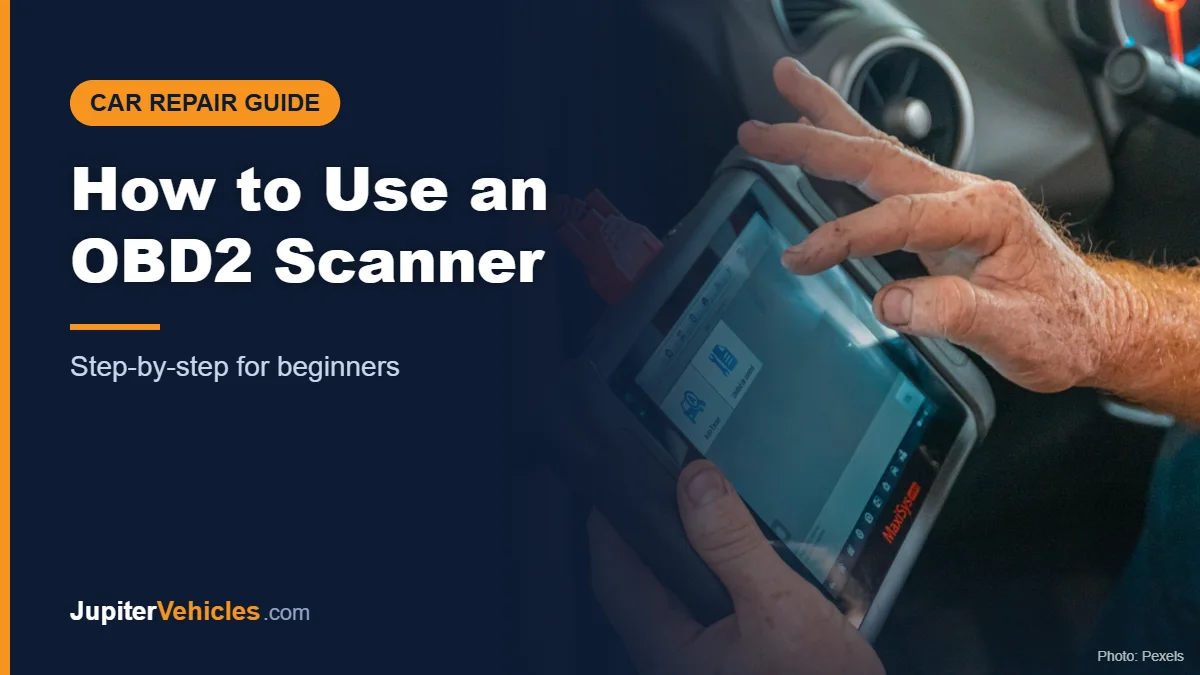
How to Use an OBD2 Scanner: Step-by-Step Guide for Beginners
To use an OBD2 scanner, plug it into the OBD2 port under your dashboard (usually below the steering wheel), turn the ignition to “on” or start the engine, and choose Read Codes on the scanner or its app. Write down every code, look up what each one means, and check the freeze frame data to see the conditions when the fault happened. Only clear the codes after you’ve fixed the problem, since clearing them also resets your car’s emissions readiness monitors.
Here’s the full process, including the features beyond basic code reading.
Table of Contents
Before You Start
- Check compatibility. The California Air Resources Board notes that all 1996 and newer gasoline passenger cars and trucks are required to have OBD II systems.
- Charge or pair the tool. Bluetooth scanners need the app installed and Bluetooth on.
- Park safely. Set the parking brake, and if the engine needs to run, do it outdoors.
Step 1: Find the OBD2 Port
The OBD2 port is a 16-pin, trapezoid-shaped connector. It’s usually under the dashboard on the driver’s side, near the steering column. Some cars hide it behind a small panel or near the center console. Your owner’s manual will show the exact location.
Step 2: Connect the Scanner
- With the car off, plug the scanner firmly into the port.
- Turn the ignition to the on position (dashboard lights on, engine off), or start the engine if your scanner’s instructions say to.
- For a handheld, wait for it to power on and connect. For a Bluetooth scanner, open the app and pair the device.
Step 3: Read the Codes
Select Read Codes (sometimes “Diagnose” or “Scan”). The scanner will list diagnostic trouble codes (DTCs), such as P0420 or P0300.
- Stored or confirmed codes are faults the car has confirmed.
- Pending codes are possible faults the car has noticed but not yet confirmed.
Write every code down or save the report before doing anything else.
Step 4: Look Up What the Codes Mean
Many scanners show a short definition. App-based scanners often add likely causes and repair suggestions. A code tells you which system flagged a problem, not always which part failed. P0420, for example, points to catalyst efficiency, but the cause could be a sensor, an exhaust leak, or the catalytic converter.
Step 5: Check Freeze Frame Data
Freeze frame records the engine’s conditions at the moment the code was set, such as engine speed, coolant temperature, vehicle speed, and fuel trims. It helps you work out whether the problem happens when the engine is cold, under load, or at highway speed.
Step 6: View Live Data
Live data shows sensor readings in real time while the engine runs. Common values include:
| Reading | What it can help with |
|---|---|
| Engine coolant temperature | Thermostat or cooling issues |
| Short- and long-term fuel trims | Lean or rich running conditions |
| Oxygen sensor voltage | Sensor or fuel mixture issues |
| Engine RPM and load | General performance |
Have a passenger watch the screen while you drive, or record the data. Never look at a scanner while driving.
Step 7: Check I/M Readiness
The I/M (inspection and maintenance) readiness screen shows whether your car’s emissions self-tests have completed. If monitors show “not ready,” the car may not pass an emissions inspection yet, even if the check engine light is off.
Step 8: Fix the Problem, Then Clear the Codes
Clearing codes turns off the check engine light, but it doesn’t fix anything, and it resets the readiness monitors. Clear codes after a repair to confirm the fix. If the light comes back, the problem isn’t solved.
Step 9: Disconnect
Turn the ignition off, then unplug the scanner.
When to Stop and Get Help
- The check engine light is blinking. CARB notes certain malfunctions can cause the light to blink and that many manufacturers recommend prompt service in that case, since some faults can damage the catalytic converter.
- You see warnings for brakes, airbags, or overheating.
- The car runs poorly, smells of fuel, or you’re not sure the fix is safe to do yourself.
Affiliate disclosure: As an Amazon Associate I earn from qualifying purchases.
A Bluetooth scanner like BlueDriver walks you through codes, live data, and readiness in an app.

- [Diagnose Like a Pro] BlueDriver Pro is a professional OBD2 scanner and diagnostic tool that helps you scan, understand, and clear vehicle trouble codes with confidence. Turn your phone into a powerful car diagnostic scanner—no guesswork, no unnecessary repairs.
- [Read and Clear More Codes Than Ever] Read and clear more codes than basic car code readers. Access enhanced diagnostics for Check Engine, ABS, SRS, Airbag, TPMS, Transmission, and more on supported vehicles, including expanded coverage on newer model years.
- [Verified Fixes and Real-Time Data] Get unlimited, technician-verified repair reports matched to your VIN, with definitions, causes, and confirmed fixes. Monitor live vehicle data as you drive, view freeze frames, check smog readiness, and analyze Mode 6 test results.
- [Expanded Make & Model Coverage] Optimized for today's vehicles with strong support for GM, Ford, Stellantis (RAM, Jeep, Chrysler), Toyota, Honda, Nissan, Mazda, Subaru, Hyundai, Mercedes-Benz, BMW, and VW. Enhanced communication on select 2024+ Nissan and Mazda models (see compatibility chart).
- [Gas Vehicles 1996+ & Select Light-Duty Trucks] Works with all gas-powered vehicles made in 1996 or newer, plus select light-duty trucks and diesels, including F-250, RAM 2500, Silverado, and Sierra. Built for daily drivers, family vehicles, and real-world truck use.
See our full list of the best OBD2 scanners.
Frequently Asked Questions
Should the engine be running when I use an OBD2 scanner?
For reading codes, ignition on with the engine off usually works. Live data needs the engine running. Follow your scanner’s instructions.
Can I leave an OBD2 scanner plugged in?
Some Bluetooth scanners are designed to stay plugged in, but they can draw a small amount of power. Check the manufacturer’s guidance.
Will clearing codes help me pass an emissions test?
No. Clearing codes resets readiness monitors, which typically need to complete before a test.
Why won’t my scanner connect?
Check that the ignition is on, the plug is fully seated, and the fuse for the OBD2 port isn’t blown. For Bluetooth scanners, re-pair the device.
The Takeaway
Using an OBD2 scanner takes minutes: plug it in, turn the ignition on, read and record the codes, then use freeze frame and live data to narrow down the cause. Clear codes only after a repair, and get professional help for blinking lights or safety warnings.


2 Comments