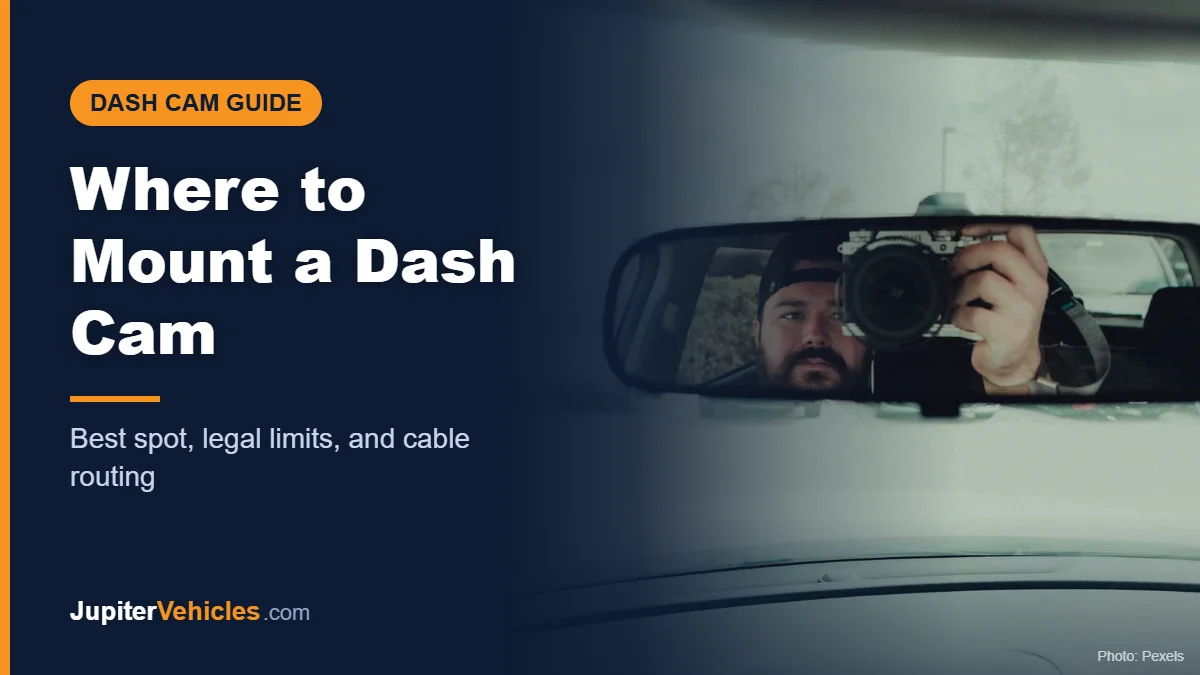
Where to Mount a Dash Cam: Best Spot, Legal Limits, and Cable Routing
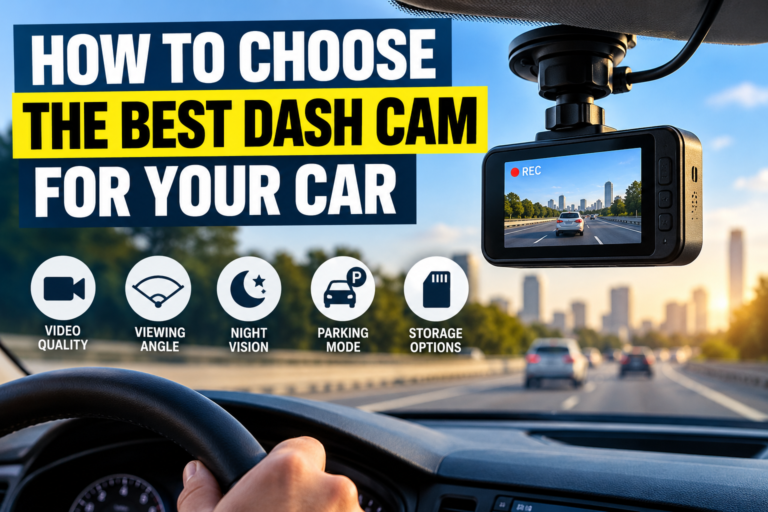
The best place to mount a dash cam is high on the windshield, just behind or beside the rearview mirror, usually on the passenger side. That spot keeps it out of your line of sight, gives it a clear, centered view of the road, and keeps it within the area your wipers clean. Before you stick it on, check your state’s windshield rules, since some states only allow devices in specific zones.
Here’s how to pick the spot, stay within the rules, and route the power cable neatly.
Table of Contents
The Best Spot for a Front Dash Cam
Aim for these conditions:
- Behind or next to the rearview mirror, so the mirror hides it from your view.
- Centered as much as possible, so the camera sees both lanes evenly.
- Inside the wiper sweep, so rain and dirt get cleared from in front of the lens.
- Below any tinted band at the top of the windshield, which can darken video.
- Clear of sensors, such as cameras for lane-keeping or automatic braking, often housed near the mirror. Don’t block them.
- With the lens pointed slightly downward, so the image is roughly two-thirds road and one-third sky. Too much sky can make the road look dark.
Windshield Laws: Where You’re Allowed to Mount It
Rules vary by state, and some are specific. California’s Vehicle Code section 26708 allows a video event recorder in one of three areas:
| California mounting zone | Size limit |
|---|---|
| Lower corner farthest from the driver (passenger side) | 7-inch square |
| Lower corner nearest the driver, outside the airbag deployment zone | 5-inch square |
| Center top of the windshield | 5-inch square |
California also requires a visible notice in the vehicle if passenger conversations may be recorded. Other states have their own rules about objects on the windshield, so check yours before installing.
Mounting a Rear Dash Cam
- Mount it at the top center of the rear window, as high as possible.
- Keep it inside the rear wiper’s sweep if your car has one.
- Avoid placing it directly on defroster lines, if the manufacturer advises against it.
- For SUVs and hatchbacks, leave enough cable slack so the tailgate can open freely.
How to Route the Power Cable
A neat cable run looks better and keeps wires out of your way.
- Run the cable from the camera up into the headliner, tucking it into the gap above the windshield.
- Route it across to the passenger-side A-pillar (the pillar beside the windshield).
- Bring it down along the A-pillar under the weatherstrip. Many A-pillars contain curtain airbags, so keep the cable behind the airbag rather than across its path, and follow your camera maker’s guidance. If you’re unsure, ask a professional installer.
- Continue along the side of the dashboard and down to the 12V socket or fuse box.
- Secure any loose cable with clips so it can’t fall near the pedals.
For rear cameras, run the cable along the headliner to the back of the car, then through the rubber boot near the tailgate hinge on hatchbacks and SUVs.
Common Mounting Mistakes
- Mounting in the driver’s line of sight, which is distracting and may be illegal.
- Blocking the car’s safety sensors near the mirror.
- Mounting outside the wiper area, so the lens gets dirty in rain.
- Pointing the lens too high, which makes footage dark.
- Running the cable across an airbag or letting it dangle near your feet.
- Mounting on dirty glass, so the adhesive fails. Clean the spot first.
Before You Stick It On
Turn on the camera and check the live view on its screen or app before attaching it permanently. Adhesive mounts can be hard to remove and reposition.
Affiliate disclosure: As an Amazon Associate I earn from qualifying purchases.
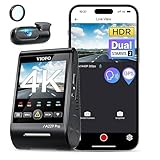
- 【4K +2K Dual STARVIS 2 Sensors Dash Cam】 The pioneering A229 Pro dash cam is equipped with dual flagship STARVIS 2 image sensors - IMX678 and IMX675. Simultaneously supporting 4K 2160P resolution for the front camera and 2K 1440P for the rear camera. It delivers smooth cinematic 4K and 2K image quality and ensures effortless license plate reading and detail capturing, day or night. Providing you all-around security monitor.
- 【HDR for Front and Rear Night Vision 2.0】 The A229 Pro boasts STARVIS 2 MX678 and IMX675 sensors, expertly combined with cutting-edge HDR technology. The wider dynamic expands the range of captured details, skillfully harmonizing highlights and shadows. This ensures precise license plate recognition, even during high-speed scenarios, for both front and rear recordings, and restores 4K-level details, ensuring the best night shots.
- 【3 Parking Modes for 24/7 Protection】 A229 Pro is supported by a buffering function, it will initiate automatic recording upon detecting moving objects. It will store the video footage for 15 seconds prior to and 30 seconds after the detected event. There are 3 parking modes Auto Event Detection, Low Bitrate, and Time Lapse, offering flexibility in conserving SD card storage space. Please note that the HK4 Acc hardwire is not included in the packing list, you can acquire it by Asin: B09MRVP2PX.
- 【Hands-free Voice Control & Notification】 Experience hands-free control with 12 voice commands, including options to take photos, lock the video, turn on/off Wi-Fi, turn on/off audio, show the front/rear camera, etc. Additionally, provide clear voice notifications such as settings adjustments and memory card issues. This intuitive system allows you to effortlessly manage your dash cam without diverting your attention from the road, promoting safer driving.
- 【Faster 5GHz Wi-Fi & APP Control】 Link your A229 Pro dashcam to the VIOFO app using the faster 5GHz Wi-Fi connection for effortless configuration, video previews, and convenient video sharing on your mobile device.
For more options, see our list of the best rated dash cams. Wondering whether you need one at all? Read are dash cams worth it.
Frequently Asked Questions
Should a dash cam be on the driver or passenger side?
Usually the passenger side of the rearview mirror, so the mirror hides it from your view. Check your state’s rules, since some limit driver-side mounting.
Can I mount a dash cam on the dashboard instead?
Some cameras can sit on the dashboard, but reflections from the windshield and a lower view make windshield mounting more common.
Will a dash cam block my airbags?
Mounted near the mirror, it’s typically away from front airbags. Be careful when routing cables along the A-pillars, where curtain airbags are often located.
Can I mount a dash cam on tinted glass?
Mounting below the tint band usually gives better video. Heavy tint reduces the light reaching the lens.
The Takeaway
Mount your dash cam high, behind or beside the mirror, inside the wiper sweep, and within your state’s legal zone. Route the cable along the headliner and A-pillar without crossing airbags, and check the view before you press the adhesive in place.