Do Magnets Affect iPhones? MagSafe, Compass, Cards and More
JupiterVehicles is reader-supported. As an Amazon Associate, we earn from qualifying purchases.
iPhones and magnets have a complicated reputation. On one hand, most iPhones since the iPhone 12 are built with a ring of magnets on purpose. On the other, Apple has published warnings about cards, key fobs and medical devices near magnets. This guide covers what magnets actually do to an iPhone, model by model, and what Apple recommends.
For a general answer that covers all phones, see are magnets bad for phones.
Table of Contents
The Short Answer
Everyday magnets don’t harm iPhones. MagSafe iPhones are designed to attach to magnetic chargers, mounts and wallets. Magnets can still affect a few things: the compass while a magnet is close, cards between the iPhone and a charger, and implanted medical devices nearby.
Which iPhones Have Magnets?
| iPhone | Built-in MagSafe magnets? | Notes |
|---|---|---|
| iPhone 11 and earlier | No | Needs a magnetic case or adhesive ring for MagSafe accessories |
| iPhone 12 to the current lineup (most models) | Yes | Magnetic ring for chargers, mounts and wallets |
| iPhone SE and iPhone 16e | No | Budget models without MagSafe |
All iPhones also contain small magnets in their speakers, vibration motor and camera modules. Read why is my phone magnetic for where they are.
What Apple Says About Magnets and iPhone
MagSafe Is Designed for Magnets
Apple’s MagSafe guide says MagSafe chargers and battery packs snap to the back of iPhone or its MagSafe case, with magnets ensuring proper alignment for fast wireless charging. Using MagSafe or Qi2 accessories is normal, intended use.
Keep Cards and Key Fobs Out of the Way
In its MagSafe Charger guide, Apple says not to place credit cards, security badges, passports or key fobs between your iPhone and MagSafe Charger, because this might damage magnetic strips or RFID chips. If your case holds cards, remove them before charging.
Keep a Distance From Medical Devices
Apple’s page on medical device interference explains that devices with magnets and radios can interfere with implanted pacemakers and defibrillators. Most medical device manufacturers recommend at least 6 inches (15 cm) of distance, or 12 inches (30 cm) when using a wireless charger.
How Magnets Can Affect an iPhone
- Compass and maps: a magnetic mount or wallet near the iPhone’s magnetometer can throw off compass heading. If Maps points the wrong way, move the phone away from the magnet or recalibrate.
- Wireless charging: non-MagSafe magnetic mounts that use a metal plate can block or slow wireless charging. MagSafe and Qi2 accessories are designed to charge through the magnet ring.
- Accessory stacking: placing a wallet between the iPhone and a charger stops charging and may harm cards.
- Grip strength: thick or non-magnetic cases weaken the hold on magnetic car mounts.
What Magnets Don’t Do to iPhones
- They don’t erase data, because iPhones use flash storage.
- They don’t damage the display or battery.
Magnetic Car Mounts and iPhones
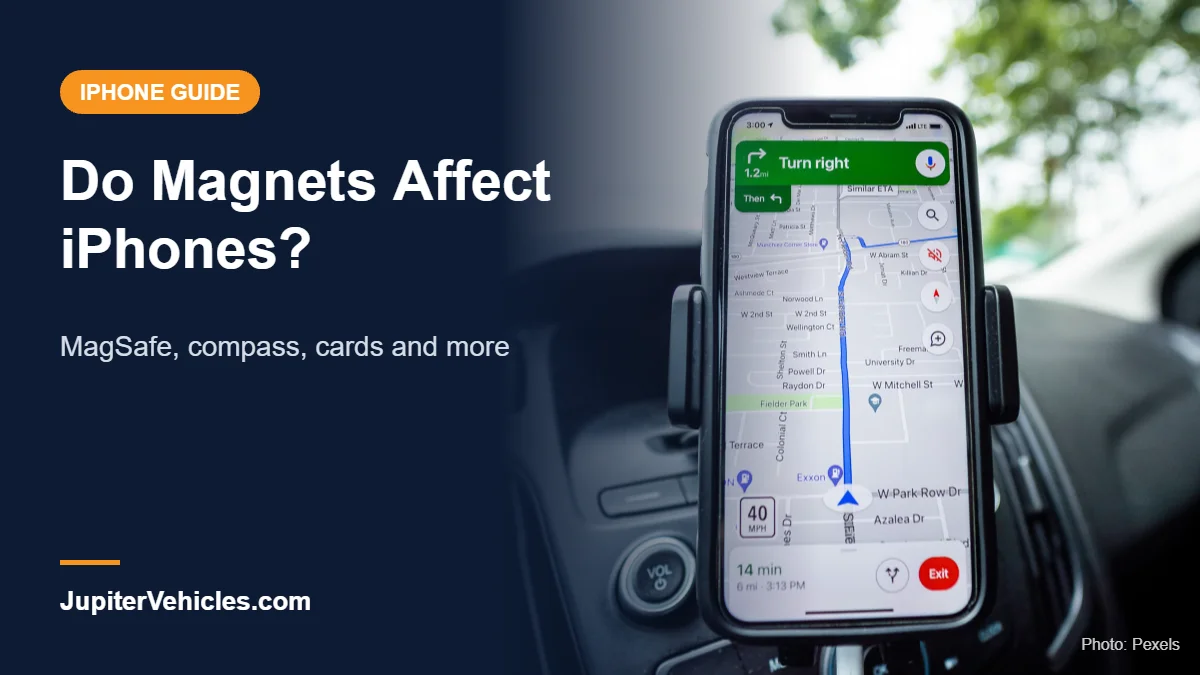
Magnetic car mounts are safe for MagSafe iPhones and are one of the easiest ways to mount a phone. A Qi2 mount can also charge while you drive. See our guide to the best iPhone car mounts.

- Fast Charging: intelligent heat management enables you to charge at speeds nearly identical to official MagSafe chargers; 18W QC adapter required for fast charging (not included)
- Secure Magnetic Lock: powerful magnets with 1,600 g of holding force and a non-slip silicone ring keep your phone securely in place, even when driving on bumpy roads; an official MagSafe case or ESR HaloLock case is recommended for rough terrain
- Ready for Navigation: single-handedly switch between portrait and landscape for easy navigation
- Stable Vent Mount: strong vent clip and support arm provide enhanced mounting stability
- What's Included: HaloLock Magnetic Wireless Car Charger, air vent clamp, dashboard anchor, 3.3 ft (1 m) USB-A to USB-C cable, and manual; car charging adapter not included
Frequently Asked Questions
Can a magnet damage my iPhone?
Everyday magnets and MagSafe accessories won’t damage an iPhone. Very strong industrial magnets can still crack glass or disrupt sensors while close.
Is it safe to put a magnet on the back of my iPhone?
Yes on MagSafe iPhones, which are built for magnetic accessories. Older iPhones need a magnetic case or adhesive ring.
Do magnets mess up the iPhone compass?
They can while the magnet is close. Moving away from the magnet and recalibrating usually fixes it.
Can my iPhone damage my credit cards?
It can if cards sit between the iPhone and a MagSafe charger. Apple advises keeping cards and key fobs out of that spot.
Should people with pacemakers avoid iPhones?
Not necessarily, but Apple recommends keeping iPhones at least 6 inches (15 cm) from implanted devices, or 12 inches (30 cm) when wirelessly charging. Ask your doctor for guidance.
The Bottom Line
Magnets don’t harm iPhones in everyday use, and MagSafe iPhones are built around them. Follow Apple’s guidance to keep cards and key fobs away from MagSafe chargers and keep iPhones a safe distance from implanted medical devices, and recalibrate the compass if a magnet throws it off.