What Is a Dash Cam? Types, Uses, and What It Records
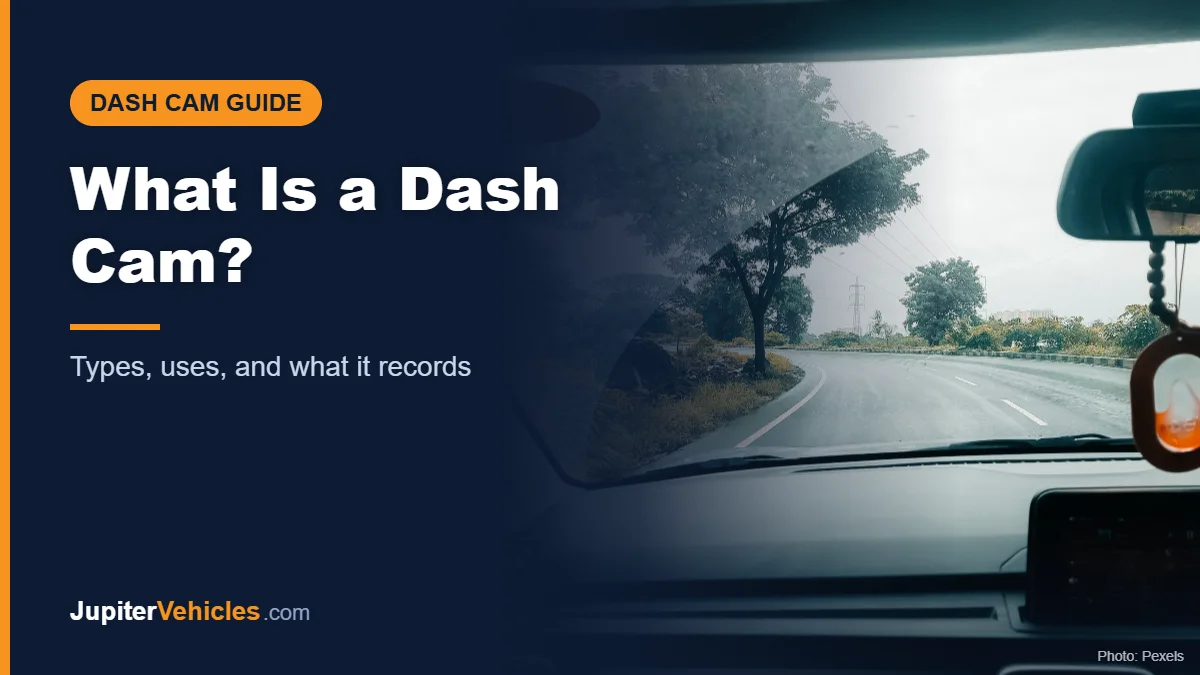
A dash cam (short for dashboard camera) is a small video camera mounted in a car, usually on the windshield behind the rearview mirror, that records the road while you drive. It turns on automatically with the car, records continuously onto a memory card, and saves clips of sudden events like collisions. Drivers use dash cams mainly to have a video record if something happens on the road.
This guide explains the main types of dash cams, what they record, and why people use them.
Table of Contents
What a Dash Cam Does
At its simplest, a dash cam is a set-and-forget recorder:
- It starts recording when you start the car.
- It records in a loop, overwriting the oldest footage when the card is full.
- It locks clips automatically when its motion sensor detects an impact.
- It stores video on a microSD card you can view on a computer or, on many models, a phone app.
For a detailed look at each of these steps, see how do dash cams work.
Types of Dash Cams
| Type | What it records | Who it suits |
|---|---|---|
| Front-only (single channel) | The road ahead | Budget buyers, simple setups |
| Front and rear (dual channel) | Road ahead and behind | Most drivers |
| Front, cabin, and rear (three channel) | Adds an interior view | Rideshare and delivery drivers |
| 360° (four channel) | Front, rear, and sides | Drivers wanting maximum coverage |
| Mirror dash cam | Replaces the rearview mirror with a screen | Drivers wanting a backup camera too |
| Compact or discreet | Tiny front camera | Drivers who want it out of sight |
What a Dash Cam Can Capture
- Collisions and near misses
- What happened before and after an incident
- Date, time, and, with GPS, speed and location
- Parking lot bumps, if the camera has parking mode and constant power
- Audio inside the car, if enabled
Why Drivers Use Dash Cams
A record if there’s an accident
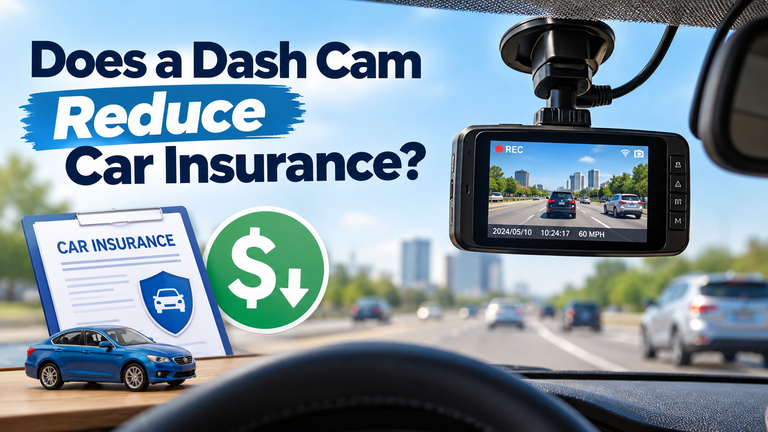
Video can help show what happened when drivers disagree about the details. Our guide on does a dash cam reduce car insurance explains how footage can be used in claims.
Protection when parked
With parking mode, a dash cam can record bumps and activity around your parked car.
Evidence for rideshare and fleet drivers
Cabin-facing cameras can record interactions with passengers.
Memorable drives
Some drivers simply like having footage of road trips.
What a Dash Cam Isn’t
A dash cam isn’t a substitute for safe driving, and footage isn’t guaranteed to settle a dispute. Video quality, angle, and lighting all affect what it can show. It’s also a passive recorder. It doesn’t prevent incidents.
Are Dash Cams Legal?
Dash cams are widely used in the U.S., but some states regulate where you can mount anything on a windshield, and recording audio can be subject to consent laws. California, for example, permits video event recorders only in specific small areas of the windshield under California Vehicle Code section 26708, and requires a notice when passenger conversations may be recorded. Check your state’s rules before installing.
Getting Started
If you want something simple and discreet, a compact single-channel camera is an easy first step.
Affiliate disclosure: As an Amazon Associate I earn from qualifying purchases.

- Ultracompact, key-sized dash camera goes virtually unnoticed on your windshield; automatically records and saves video of incidents with date and time (some jurisdictions regulate or prohibit use of this device)
- Easy-to-use dash camera records crisp 1080p HD video, and a wide 140-degree field of view captures details in bright and low light; automatically saves video of detected incidents (some jurisdictions regulate or prohibit use of this device)
- Built-in Garmin Clarity polarizer lens reduces windshield glare to clearly show important video details
- Save time, and avoid downloading or editing large video files with the online Vault, which automatically stores important saved video clips so you can view and share with the Garmin Drive smartphone app; you can even access high-end features, such as dash cam live view (requires a paid Vault subscription and active Wi-Fi network connection; nonpaid users can only view and download files when near the dash cam)
- Voice control lets you use spoken commands to save video and start or stop audio recording (available in English, German, French, Spanish, Italian and Swedish)

For more options, including front-and-rear and rideshare models, see our list of the best rated dash cams, and our guide on how to choose the best dash cam.
Frequently Asked Questions
Does a dash cam record all the time?
It records whenever it has power, usually while the car is running. With parking mode and constant power, it can also record while the car is parked.
Where does a dash cam store video?
Usually on a microSD card inside the camera. Some models can also upload saved clips to the cloud over Wi-Fi.
Do I need a front and rear dash cam?
Not necessarily, but a rear camera records rear-end collisions and tailgating that a front camera can’t.
Does a dash cam need Wi-Fi?
No. Wi-Fi is only used for transferring clips to your phone or the cloud on models that support it.
The Takeaway
A dash cam is a small, automatic camera that records the road while you drive and saves clips when something happens. Choose the type based on what you want covered (front only, front and rear, cabin, or all around) and check your state’s mounting rules before you install.