
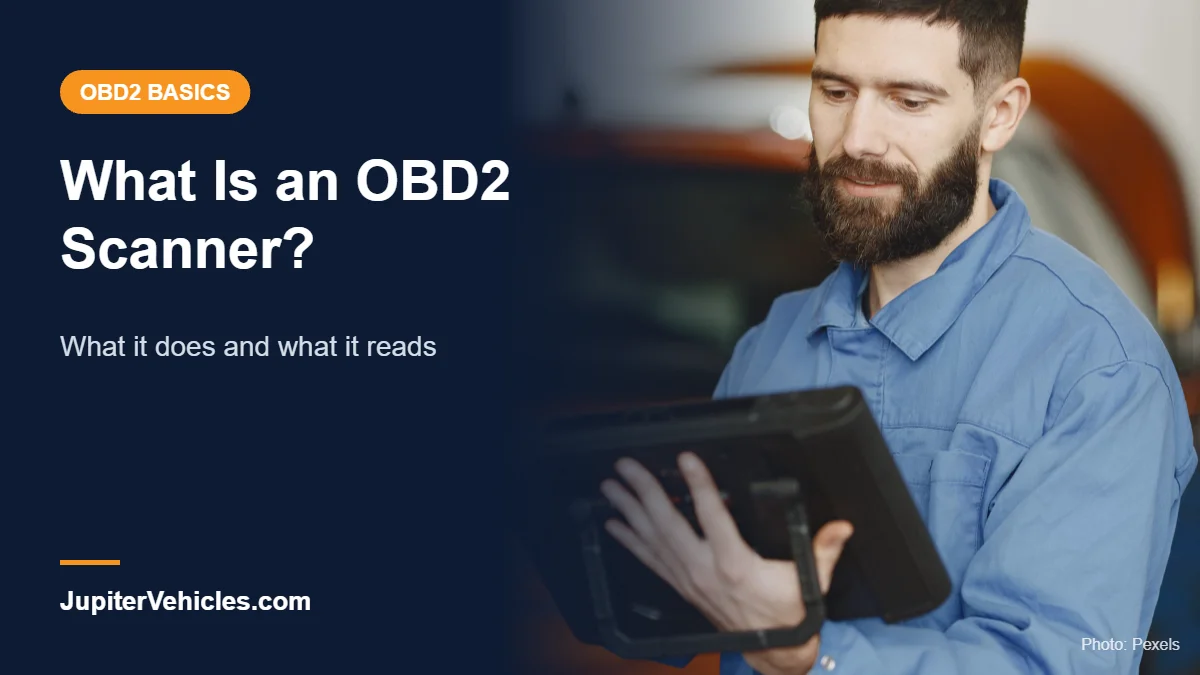
What Is an OBD2 Scanner? What It Does, Types, and What It Can Tell You
JupiterVehicles is reader-supported. As an Amazon Associate, we earn from qualifying purchases.
An OBD2 scanner is a tool that plugs into your car’s OBD-II diagnostic port and reads information from the car’s computers. Its most common job is reading the trouble code behind a check engine light, but many scanners also show live sensor data, emissions readiness and more.
This guide explains the scanner itself: what it does, the types you can buy, and its limits. For the car system it talks to, see what is OBD2.
Table of Contents
OBD2 Scanner: The Short Definition
OBD2 (or OBD-II) stands for On-Board Diagnostics, second generation. Your car’s computer constantly monitors engine and emissions components. When it detects a fault, it stores a diagnostic trouble code (DTC) and may turn on the check engine light. An OBD2 scanner connects to the port, asks the computer for those codes and data, and displays them for you.
According to the California Air Resources Board, OBD II has been required on all 1996 and newer gasoline cars and light trucks, so a standard OBD2 scanner works with most cars on U.S. roads today.
What an OBD2 Scanner Can Do
- Read trouble codes: shows codes like P0420 or P0300 that point to the problem area.
- Clear codes: turns off the check engine light after a repair. The light returns if the fault does.
- Show live data: engine speed, coolant temperature, fuel trims, oxygen sensor readings and more.
- Show freeze frame data: a snapshot of conditions when the code was set.
- Check emissions readiness: shows whether the car’s self-tests are complete before an inspection.
- Read vehicle info: VIN and calibration IDs on most cars.
Advanced scanners can also read ABS, airbag (SRS), transmission and other modules, run service resets, and perform bidirectional tests.
Types of OBD2 Scanners
| Type | How it works | Typical price (Oct 2026) | Best for |
|---|---|---|---|
| Basic code reader | Handheld with a small screen, reads and clears engine codes | About $20 to $40 | Quick check engine light checks |
| Bluetooth adapter | Plugs in, sends data to a phone app | About $30 to $140 | Phone users, live data |
| Handheld scanner | Larger screen, more systems | About $50 to $200 | DIYers who want a stand-alone tool |
| Bidirectional scan tool | Tablet or app that can command components | About $50 to $1,000+ | Advanced DIY and pros |
See our full lists of the best OBD2 scanners and the best Bluetooth OBD2 scanners, or check how much a code reader costs.
What an OBD2 Scanner Can’t Do
- It can’t tell you exactly which part failed. A code points to a system or symptom. A P0420 code, for example, means the catalyst efficiency is below threshold, but the cause could be a sensor, a leak or the converter itself.
- It can’t fix anything. Clearing a code doesn’t repair the problem.
- Basic tools can’t read every system. Airbag, ABS and body modules often need an advanced scanner.
- It doesn’t replace a mechanic for complex problems. It gives you information to make better decisions.
Where Is the OBD2 Port?
The port is a 16-pin connector usually under the dashboard on the driver’s side, near the steering column. On some cars it’s behind a small cover or near the center console.
Is an OBD2 Scanner Worth Buying?
For most drivers, yes. A basic scanner costs less than many shop diagnostic fees and tells you whether a check engine light is minor, like a loose gas cap, or serious. It also helps you avoid surprises at the repair shop. To learn the steps, read how to use an OBD2 scanner.

- [Diagnose Like a Pro] BlueDriver Pro is a professional OBD2 scanner and diagnostic tool that helps you scan, understand, and clear vehicle trouble codes with confidence. Turn your phone into a powerful car diagnostic scanner—no guesswork, no unnecessary repairs.
- [Read and Clear More Codes Than Ever] Read and clear more codes than basic car code readers. Access enhanced diagnostics for Check Engine, ABS, SRS, Airbag, TPMS, Transmission, and more on supported vehicles, including expanded coverage on newer model years.
- [Verified Fixes and Real-Time Data] Get unlimited, technician-verified repair reports matched to your VIN, with definitions, causes, and confirmed fixes. Monitor live vehicle data as you drive, view freeze frames, check smog readiness, and analyze Mode 6 test results.
- [Expanded Make & Model Coverage] Optimized for today's vehicles with strong support for GM, Ford, Stellantis (RAM, Jeep, Chrysler), Toyota, Honda, Nissan, Mazda, Subaru, Hyundai, Mercedes-Benz, BMW, and VW. Enhanced communication on select 2024+ Nissan and Mazda models (see compatibility chart).
- [Gas Vehicles 1996+ & Select Light-Duty Trucks] Works with all gas-powered vehicles made in 1996 or newer, plus select light-duty trucks and diesels, including F-250, RAM 2500, Silverado, and Sierra. Built for daily drivers, family vehicles, and real-world truck use.
Frequently Asked Questions
Does an OBD2 scanner work on all cars?
It works on most 1996 and newer gas cars and light trucks in the U.S. Some diesels, hybrids and EVs have different coverage, so check compatibility.
Is an OBD2 scanner the same as a code reader?
A code reader is a basic type of OBD2 scanner. “Scanner” often means a tool with more features, such as live data or more systems.
Can an OBD2 scanner damage my car?
Reading codes and data is safe. Advanced functions like bidirectional tests and coding should be done carefully and only if you understand them.
Do I need an OBD2 scanner if my car is new?
It’s optional, but useful for checking warning lights and emissions readiness without a trip to the dealer.
The Bottom Line
An OBD2 scanner reads the codes and data your car’s computer stores, so you can understand a check engine light before you pay for repairs. A basic reader handles engine codes, while Bluetooth and advanced scanners add live data, more systems and testing.
One Comment